Your AI, private by default.
On devices and people you trust.

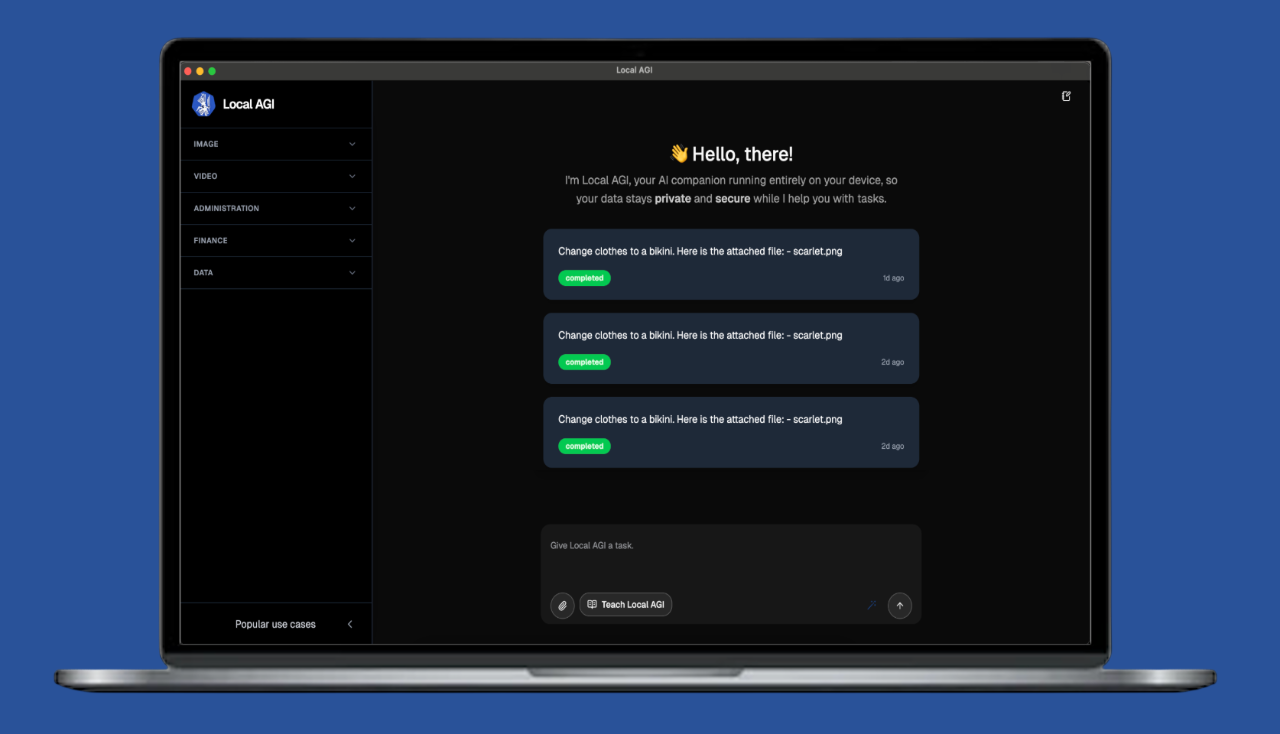
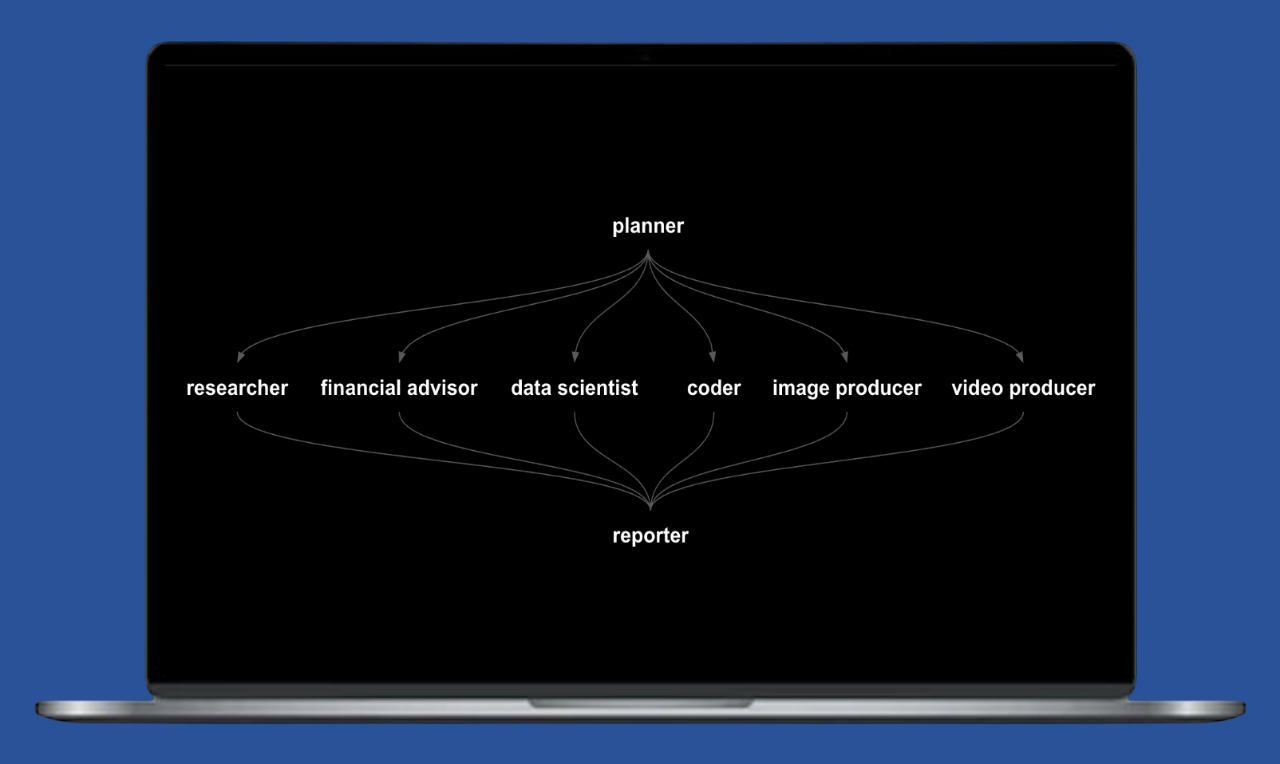
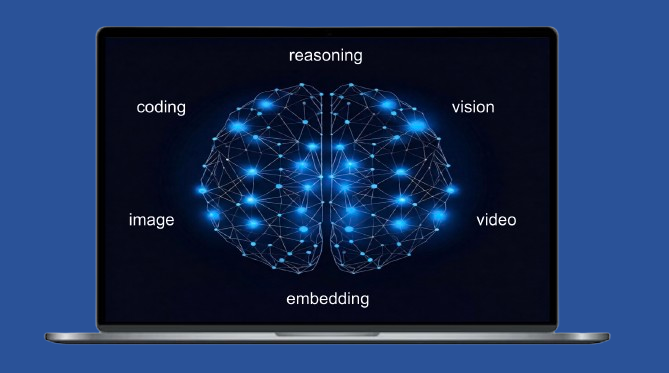
A team of AI agents on your own machine and the devices you trust. Analyze anything. Create everything. Automate the busywork.

HOW IT WORKS
Three paths, one app

Same app, whichever path you take. Download to get started.

Download App

Users

1 Download the app
2 Send a message to the agents
3 Get results

Private Neurons

1 Download the app
2 Share your Neuron's intelligence
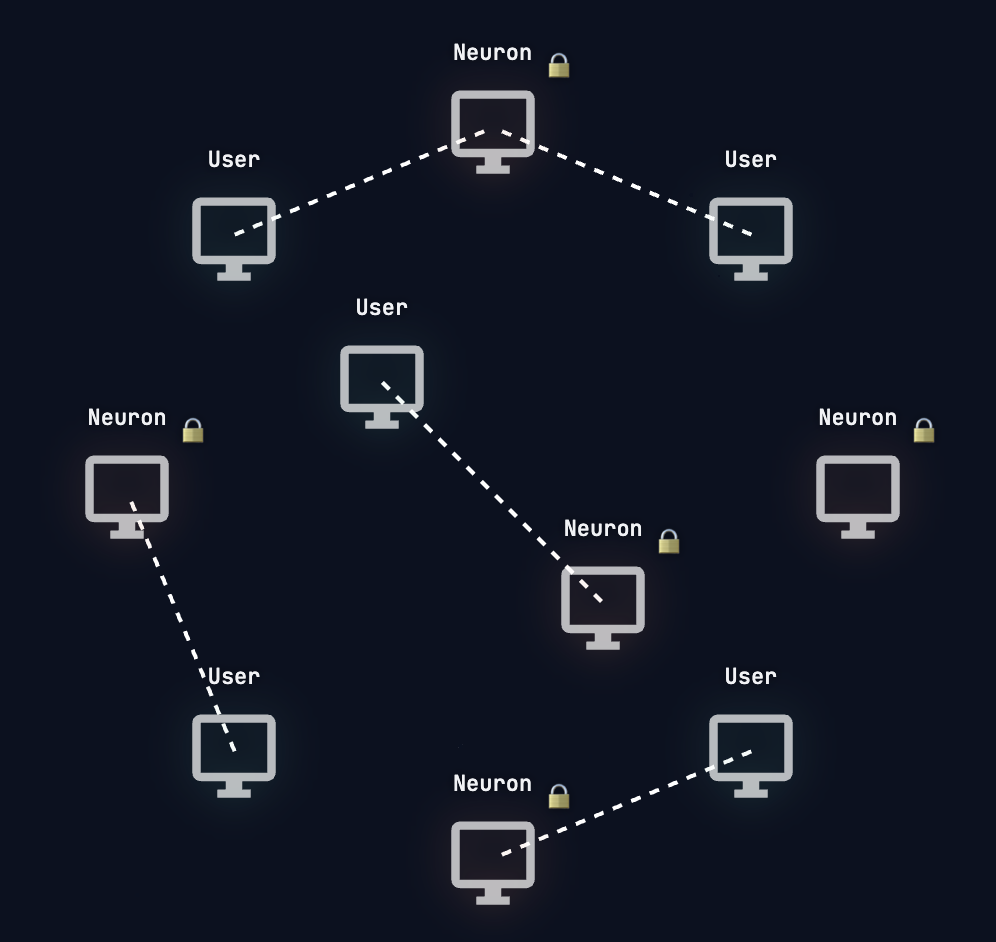
3 Power a private encrypted mesh for friends, family, or your team, staying private

Public Neurons

1 Download the app
2 Lease your Neuron's intelligence
3 Earn by leasing spare compute, while staying private
FAQ

Frequently asked questions

About

What is Local AGI?

Local AGI is a private AI agent app with a network for sharing compute. You run AI agents to analyze data, create images and video, automate tasks, and run research workflows, and you choose where the AI runs: on your own device, inside a private end-to-end encrypted mesh of devices you trust, or on an optional public network of devices (Neurons).

How is Local AGI different from cloud AI tools?

Most AI tools send your requests to one company’s cloud servers, which raises privacy, cost, usage-limit, and control concerns. Local AGI is local-first and gives you control over where AI runs: your own device, a trusted private network, or the public Local AGI network.

Who is Local AGI for?

Individuals, creators, analysts, founders, agencies, labs, teams, and privacy-conscious communities who want AI agents for research, content, data analysis, automation, image and video creation, and business workflows, with more control over where their work runs.

Can I use my own agents?

Yes. Alongside the built-in agents (Hermes, Browser, image, and video), external agents such as OpenClaw can use Local AGI as their backend across the same three tiers: local, private mesh, and public.

Privacy & the 3 levels

What are the 3 privacy levels?

Local AGI offers three levels of privacy so you can choose where AI runs. Level 1, Local AI, runs entirely on your own device. Level 2, Private Network, uses a private network of approved nodes that communicate with end-to-end encryption. Level 3, Public Network, uses the public Local AGI network for broader access and more available compute on general tasks.

When should I use Local AI, Private Network, or Public Network?

Use Local AI for maximum control, when work should stay on your own device. Use Private Network when approved devices need to share compute securely. Use Public Network when you want broader access and more available providers for general, non-sensitive tasks.

Is my work private by default?

Yes. Local AGI is local-first by default. Local AI models run on your device and agents work in a secure sandbox, so sensitive work can stay on your machine. You decide when to move beyond your device to a private network or the public network.

Is Private Network communication encrypted?

Yes. Communication between approved nodes in a Private Network is end-to-end encrypted.

Is the Private Network peer-to-peer? Is there a server?

We are upfront about this: the Private Network is not pure peer-to-peer. To connect your trusted devices across the internet, through NAT, traffic passes through a relay we run. It is end-to-end encrypted, so the relay routes your data without ever reading it, a blind pipe rather than a brain, and the AI runs on your trusted device, not on our servers.

What is hive mind? Can several devices run one model together?

Yes. If a model is too big for any one machine, several devices can each load a slice and run it together as a hive. A running hive joins a Private Network or the Public Network as a single Neuron. Hive mind is our newest capability, and the link between hive members matters: the faster the connection between them, the faster the hive.

Practical & trust

Is it fully reliable?

AI agents still need human verification, especially for live news, finance, and legal topics. Local AGI surfaces evidence, confidence levels, and source links so you can review claims before acting on them.

How do I get started?

Download the app, give an agent a task, and review the results. That’s it.